1
Choose your source
Phone, hard drive or PC folder: open the location that holds your photos and videos.
Sort, find and organize your photos and videos from your PC, whether they come from a local folder, an external drive or your phone.
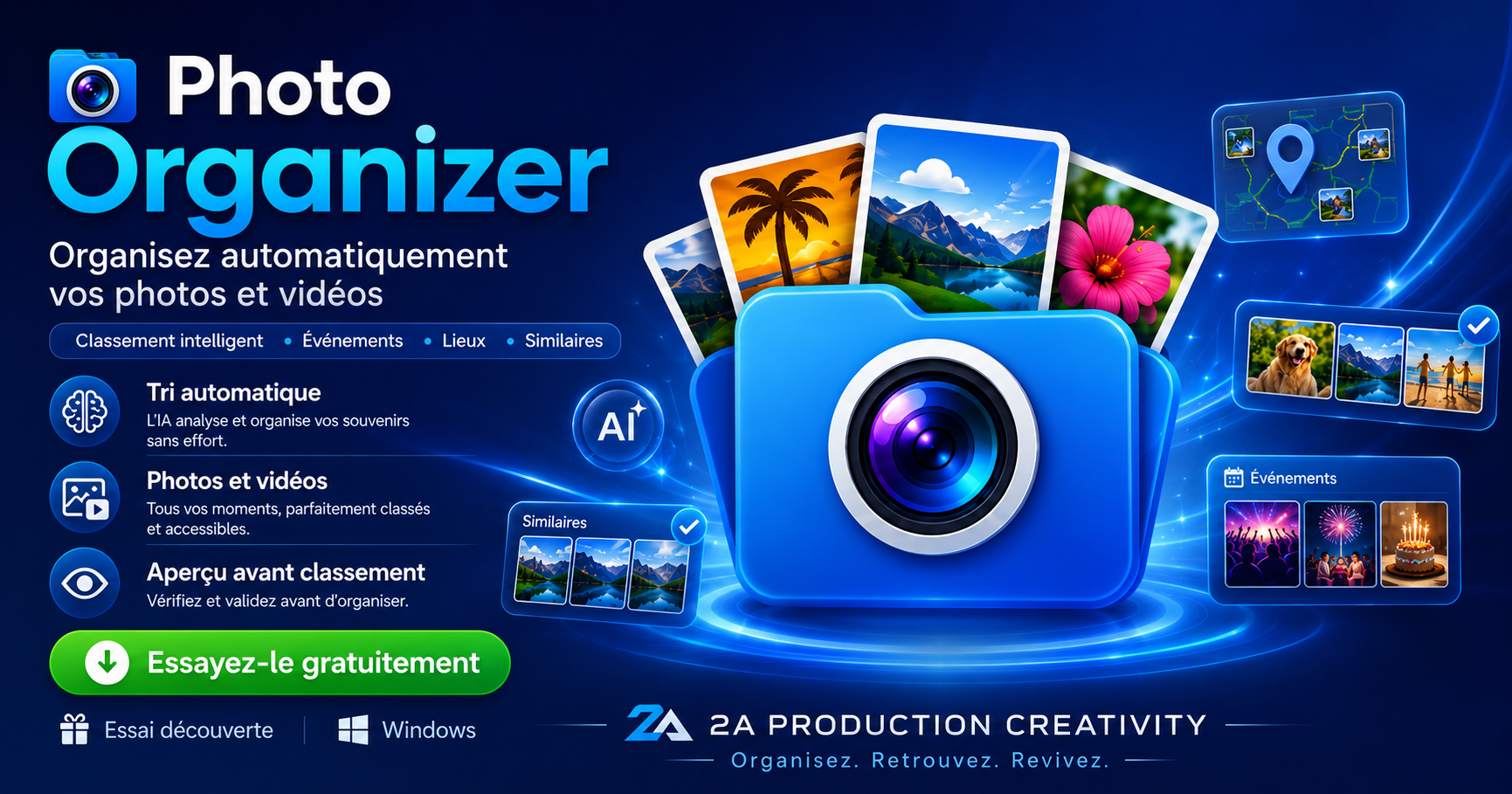
Whether your photos are on your phone, an external drive or already in a folder on your PC, Photo Organizer lets you browse, sort and file them straight from the computer.
Phone, hard drive or PC folder: open the location that holds your photos and videos.
Spot series, key memories and files that need sorting.
Copy or move your files to the right folders while you organize them.
Your PC stays organized, and if you're working from a phone, you can also free up space on it.
Photo Organizer turns a repetitive transfer into real tidying. You work from your computer, file things as you go, and avoid recreating the same clutter on your drive.

Photo Organizer combines sorting, search and file management in an interface designed to work fast on large photo libraries.
Group your photos and videos by their timeline.
Find memories tied to a place more easily.
Group nearby shots together to compare them more easily.
Spot copies and choose what you want to keep.
Find your files by keyword and use similar-photo search.
View your photos full-size and move quickly from one to the next.
Copy, move, delete, rename and create folders straight from the app.
Flag your best photos to find them faster.
Light or dark theme, smooth navigation and a multilingual interface.
Two of the most tedious tasks become much easier to handle from your PC.
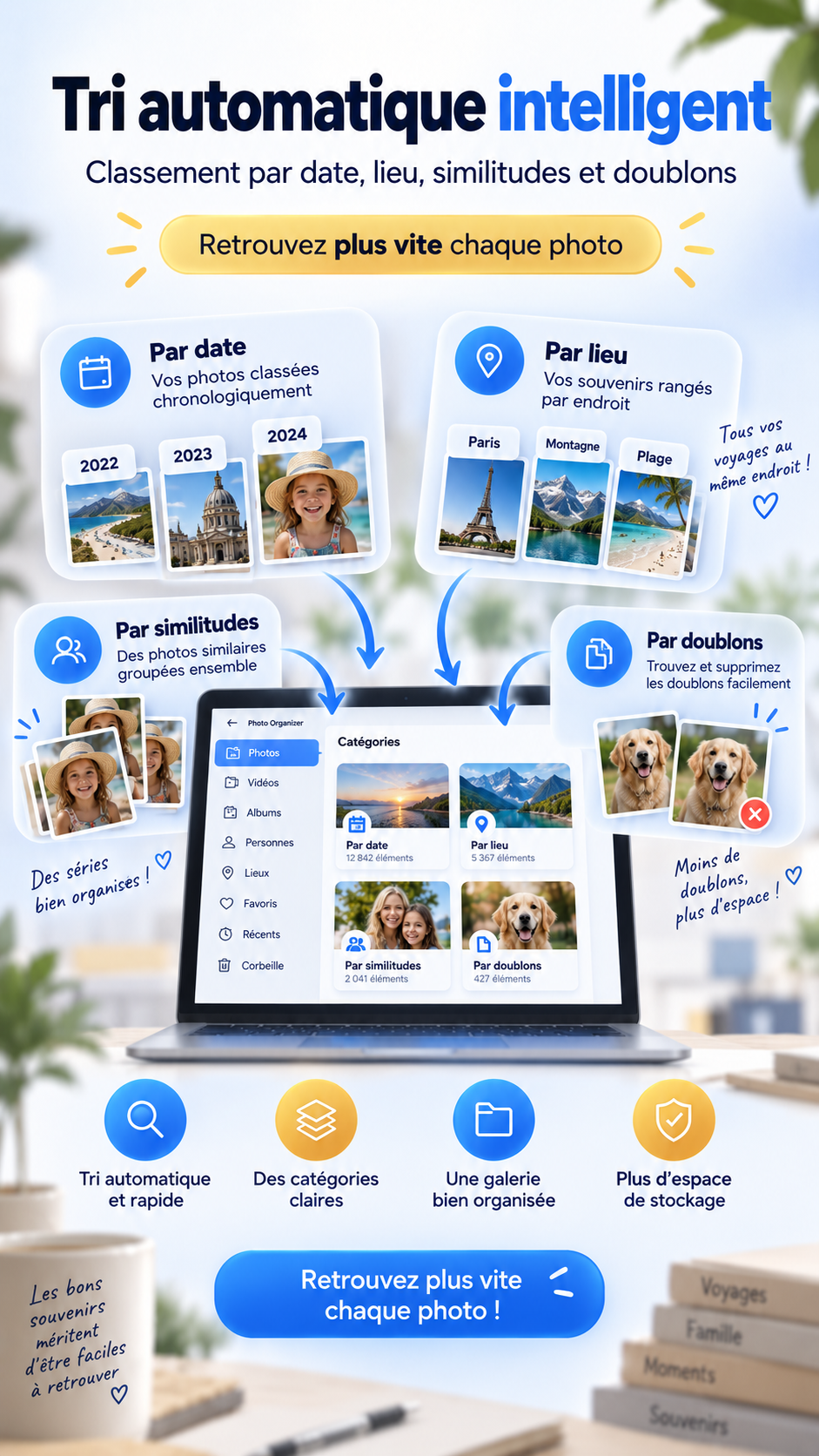
Date, location, similarity: organize your series without piling up unnecessary folders.

Spot copies and near-identical images before deciding what to move or delete.
Smart analysis of your photo library is designed to run locally on your computer.
Sorting and analysis can be done on your PC without relying on remote analysis of your photo library.
The content of your photos and videos doesn't need to be sent to the cloud for local analysis.
Start for free, then choose one of the four paid plans if Photo Organizer is right for you.
8 h of cumulative use · 500 files max · 7 days · 1 PC · no credit card · trial created with your email address.
Discover the trial and bonuses →After your trial, share your feedback on Photo Organizer. The questionnaire can add extra time and files to your trial.
+2 h · +150 files · onceInvite friends and family during your trial. Every genuinely active referral can extend your own trial period for free.
+1 h · +100 files / referral · up to 7Full access for 24 hours, no renewal.
Choose this plan →Monthly subscription.
Choose this plan →Annual subscription.
Choose this plan →Lifetime license with a one-time payment.
Choose this plan →Photo Organizer brings together the sorting, search and management tools you need to bring order back to your Windows photos and videos.